
Prerequisites
Before you begin, ensure you have the following installed:Jupyter extension
Jupyter extension
Install the Jupyter extension for your IDE to work with notebooks.
Python environment
Python environment
- Python 3.8 or higher
- Required packages:
pandas,matplotlib,seaborn,scipy,scikit-learn,numpy
Video walkthrough
Getting started
Create your Sphinx account
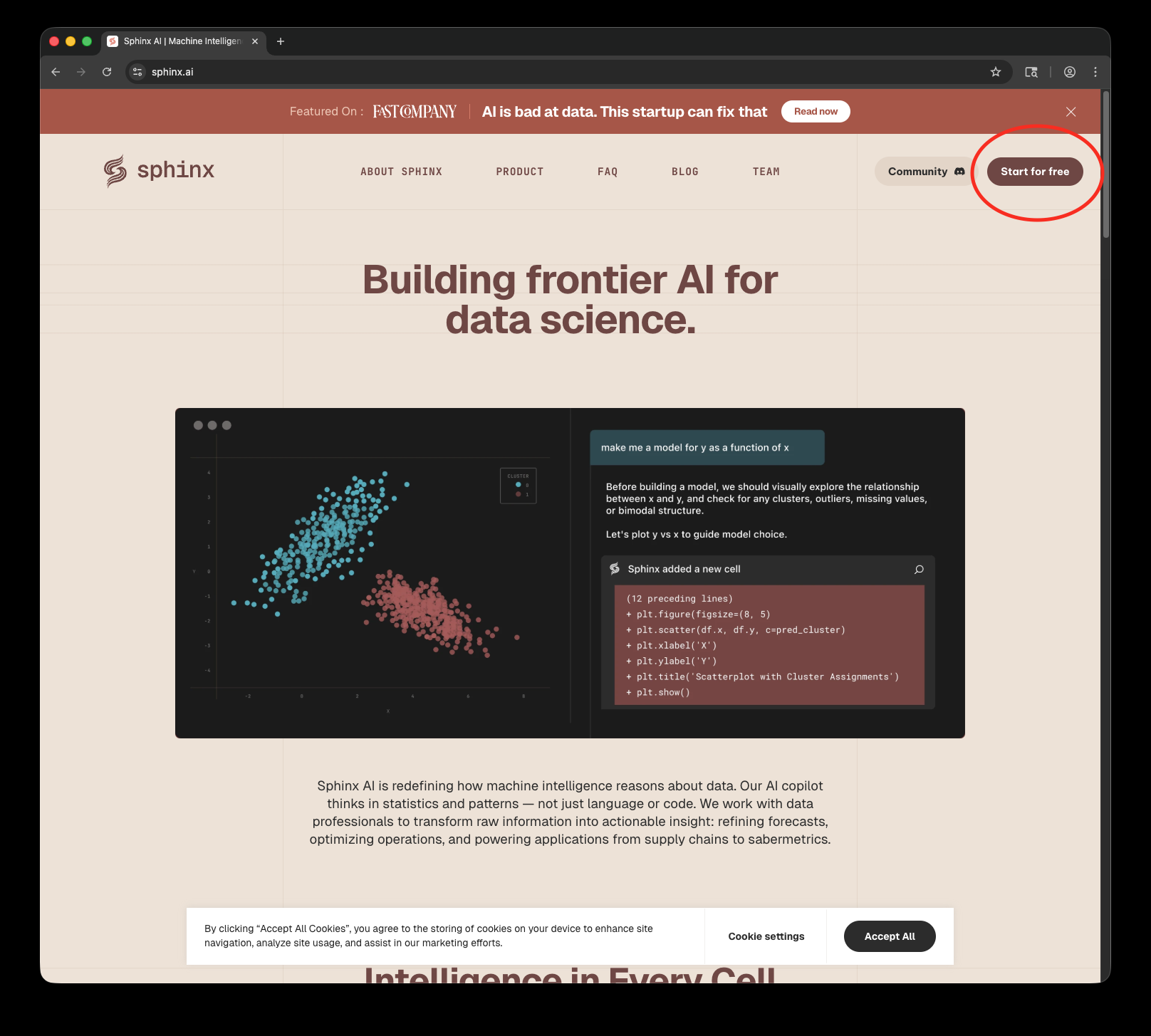

Install Sphinx
Navigate to the dashboard and install Sphinx into your IDE of choice.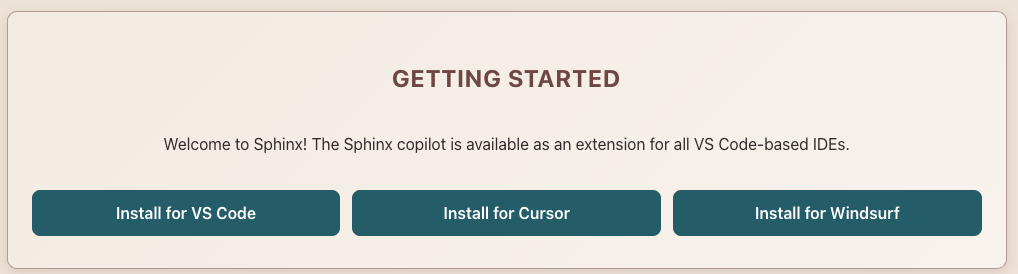
Set up the quickstart project
Clone and open the quickstart GitHub repository in your IDE.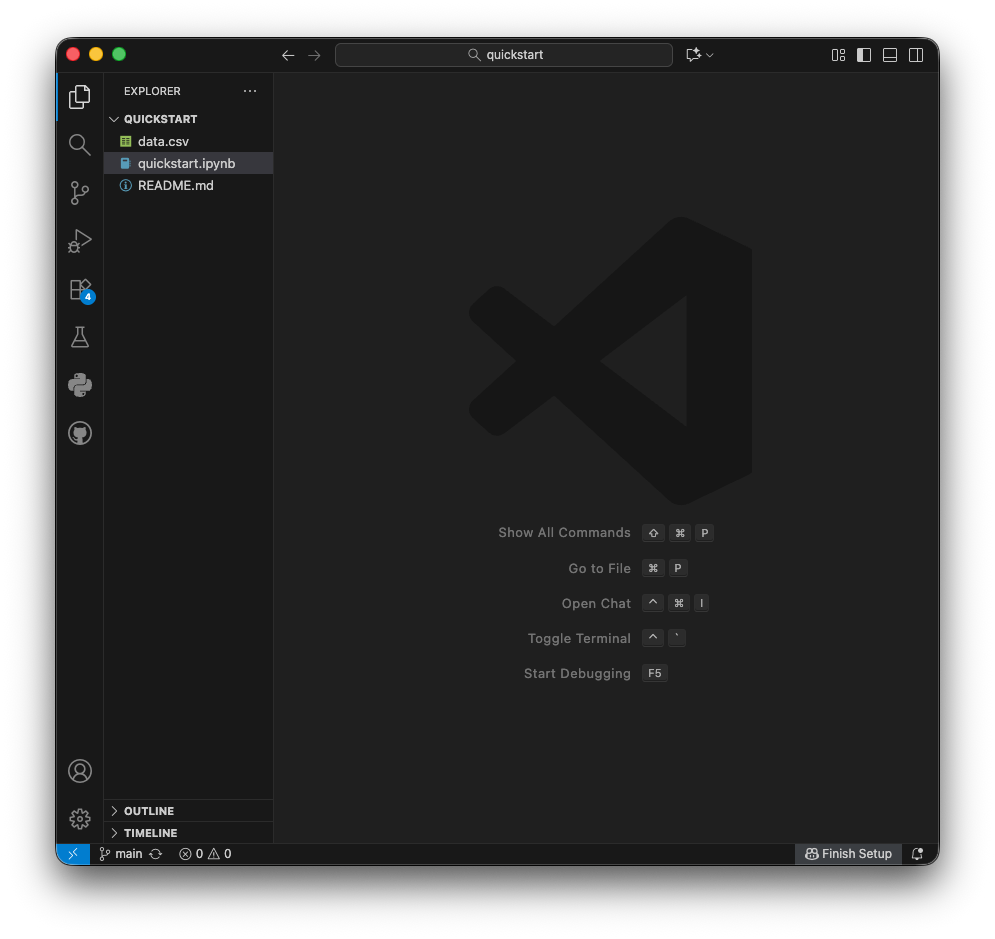
Launch Sphinx
Open Sphinx using the keyboard shortcut: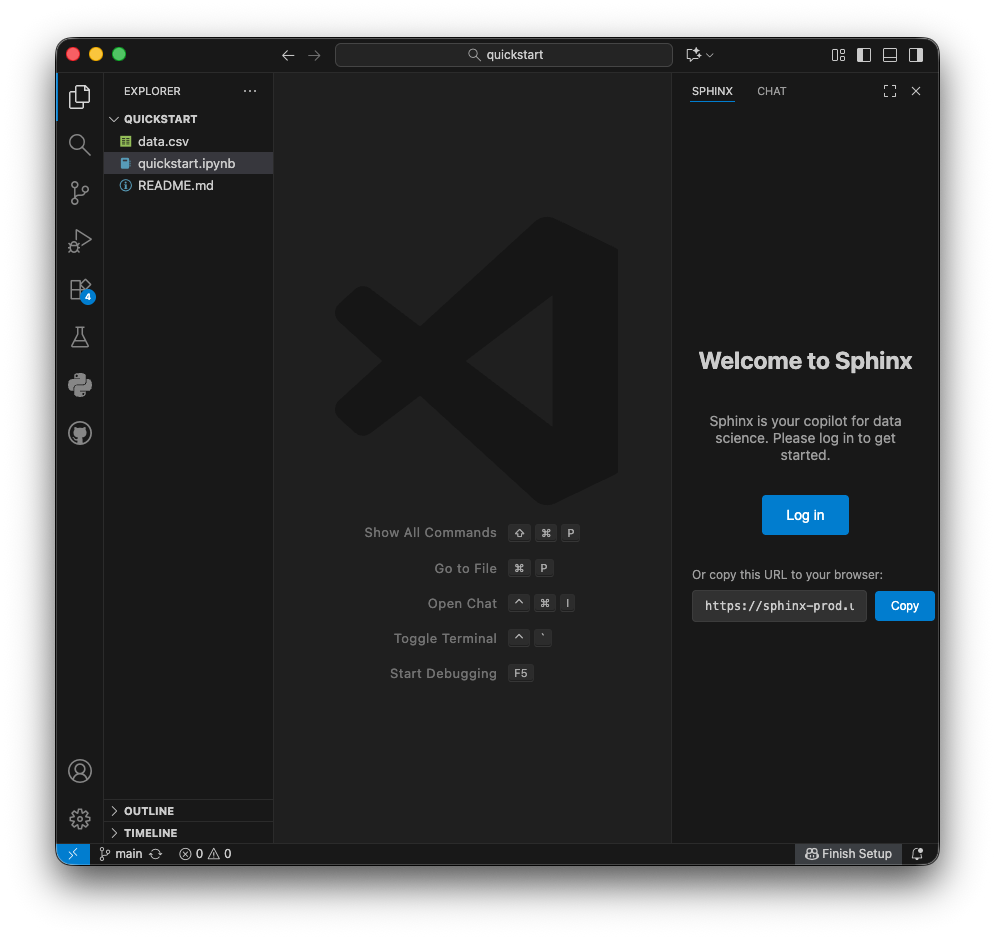
- Mac:
⌘ + T - Windows/Linux:
Ctrl + T
Congratulations! You’ve successfully set up Sphinx and run your first AI-powered data analysis.
Next steps
Guardrails
Learn how to control what code Sphinx generates and executes.
Integrations
Connect your data warehouses to analyze production data.