
Managing rules
Sphinx supports two types of rules, with differing levels of scope and setup:| Type | Scope | Description | Location |
|---|---|---|---|
| User Rules | User-specific | Rules that apply to every project across all platforms | Dashboard → Rules |
| SPHINX.md | User-specific, per platform | Project-specific rules defined in a markdown file | SPHINX.md file in your workspace |
All rules are combined and applied together. When there are conflicts, more specific rules take precedence.
User Rules
User Rules can be configured directly in the dashboard, under the “Rules” page: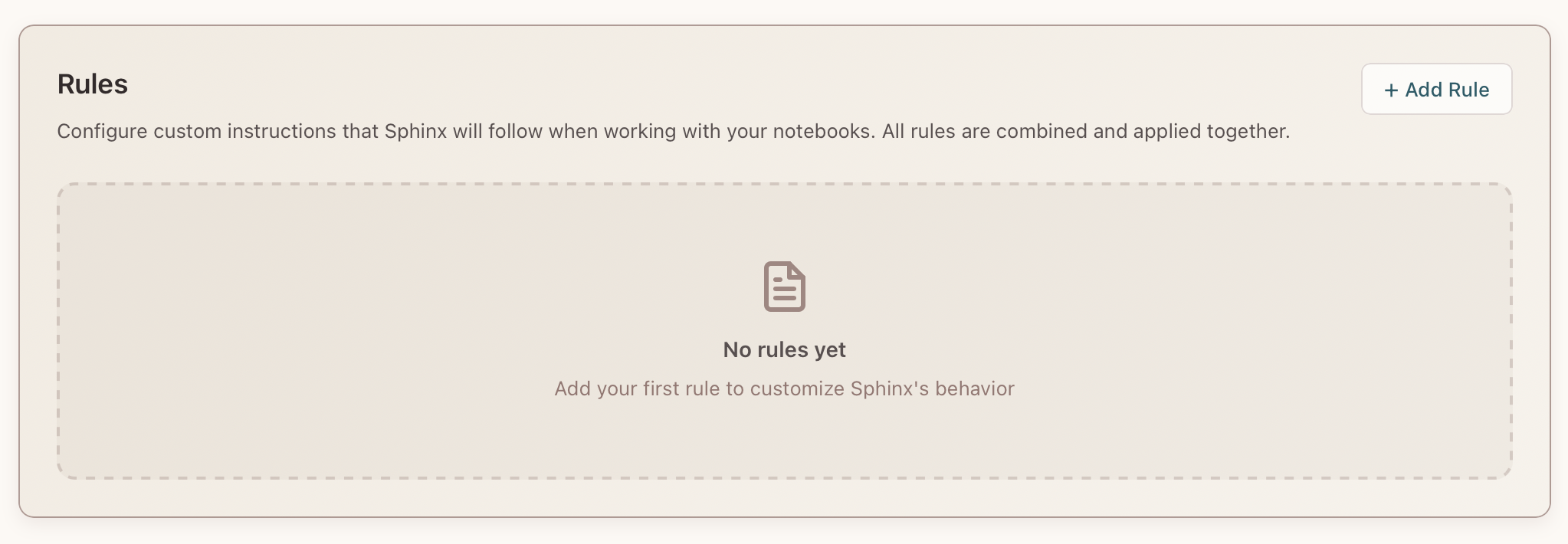
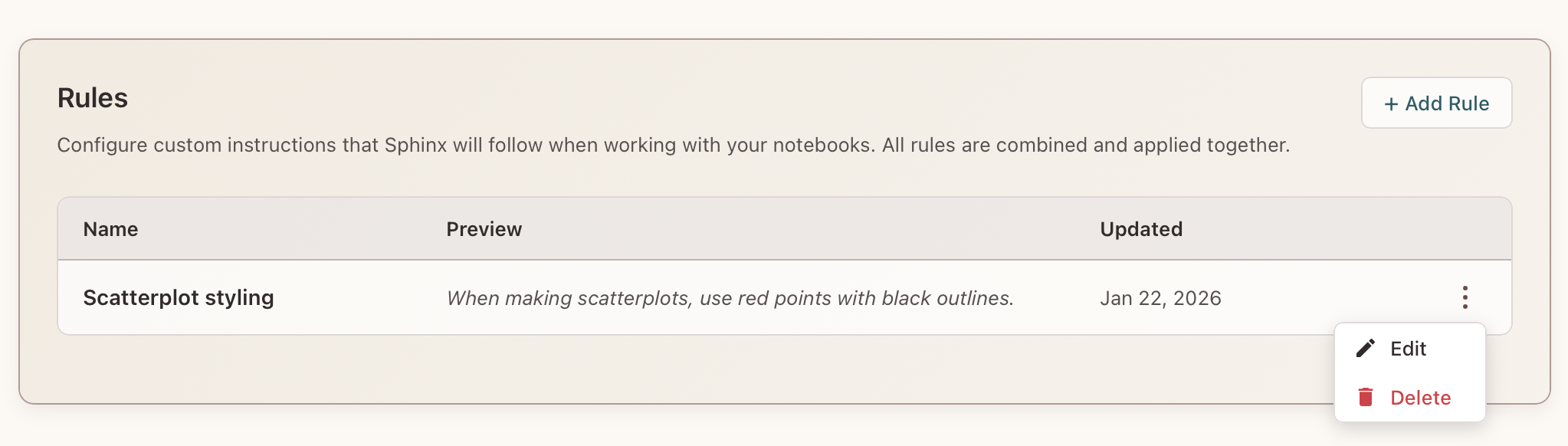
SPHINX.md
SPHINX.md files let you add custom instructions per project.
For every notebook, Sphinx will start in your current folder and check each parent until it finds the closest SPHINX.md file.
Example SPHINX.md:
SPHINX.md file in the VS Code Extension and Horus through the sidebar:
